Workshop
See what is waiting for collection, what is awaiting credit and what needs following up.
Workshop sign in
From the workshop shelf to the supplier’s credit, keep the parts, collection proof and follow-up together.
Reps can collect from workshops that don’t use PartsBack.
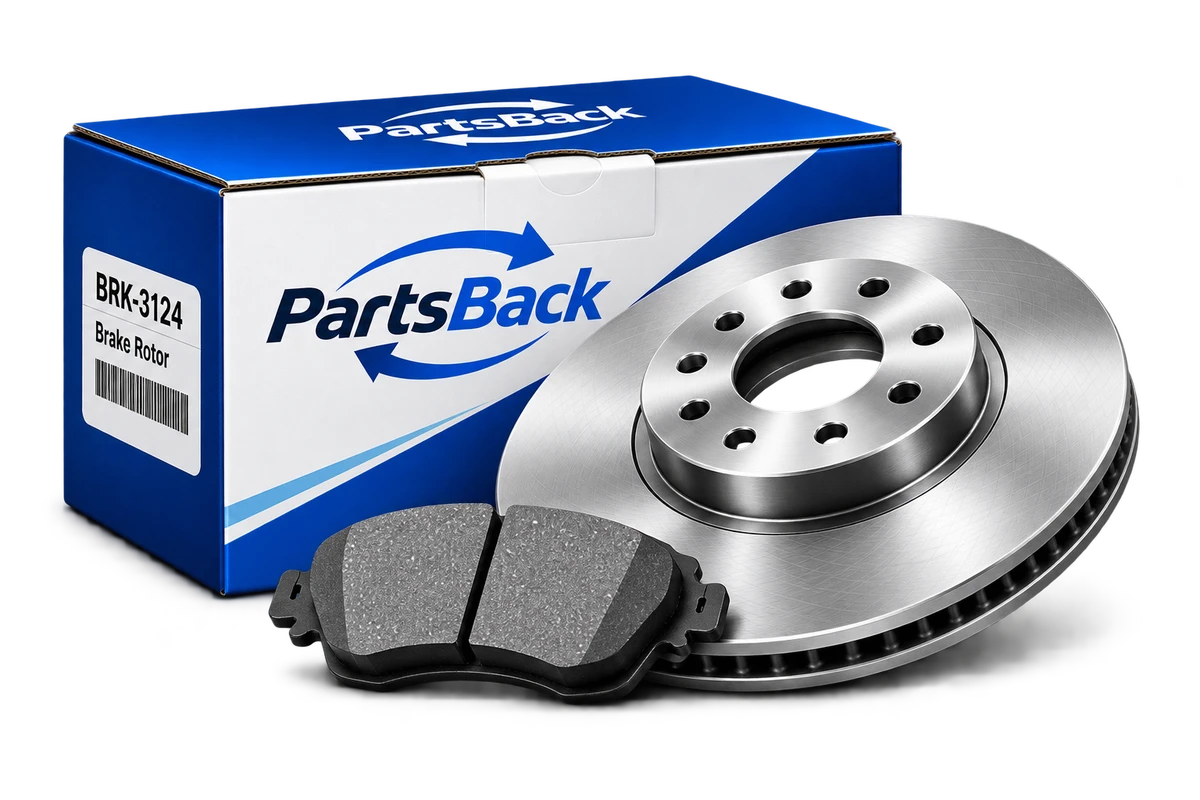
A collection receipt records what left the workshop. Supplier credit and the workshop’s confirmation stay separate.
Scan the barcode or enter the printed number. Confirm the description, supplier and quantity.
Capture the workshop contact’s name and signature with the parts collected, Rep and time.
Keep the expected amount, supplier-issued credit and credit confirmed by the workshop distinct.
See what is waiting for collection, what is awaiting credit and what needs following up.
Workshop sign inFind the workshop account, record the parts you collect and leave a clear proof of handover.
Rep sign inUse the store’s browser portal to review its shared returns, collection receipts and issued credits.
Open Supplier sign inNo. A Rep can record parts and a signed collection against a store’s workshop account even when that workshop does not use PartsBack.
Collection records the handover of the listed parts. The supplier processes the credit separately, and the workshop confirms the credit it has received.
The Supplier portal shows records shared with that store through the workshop connection. Each workshop controls which supplier returns it shares.
Open your existing PartsBack account.